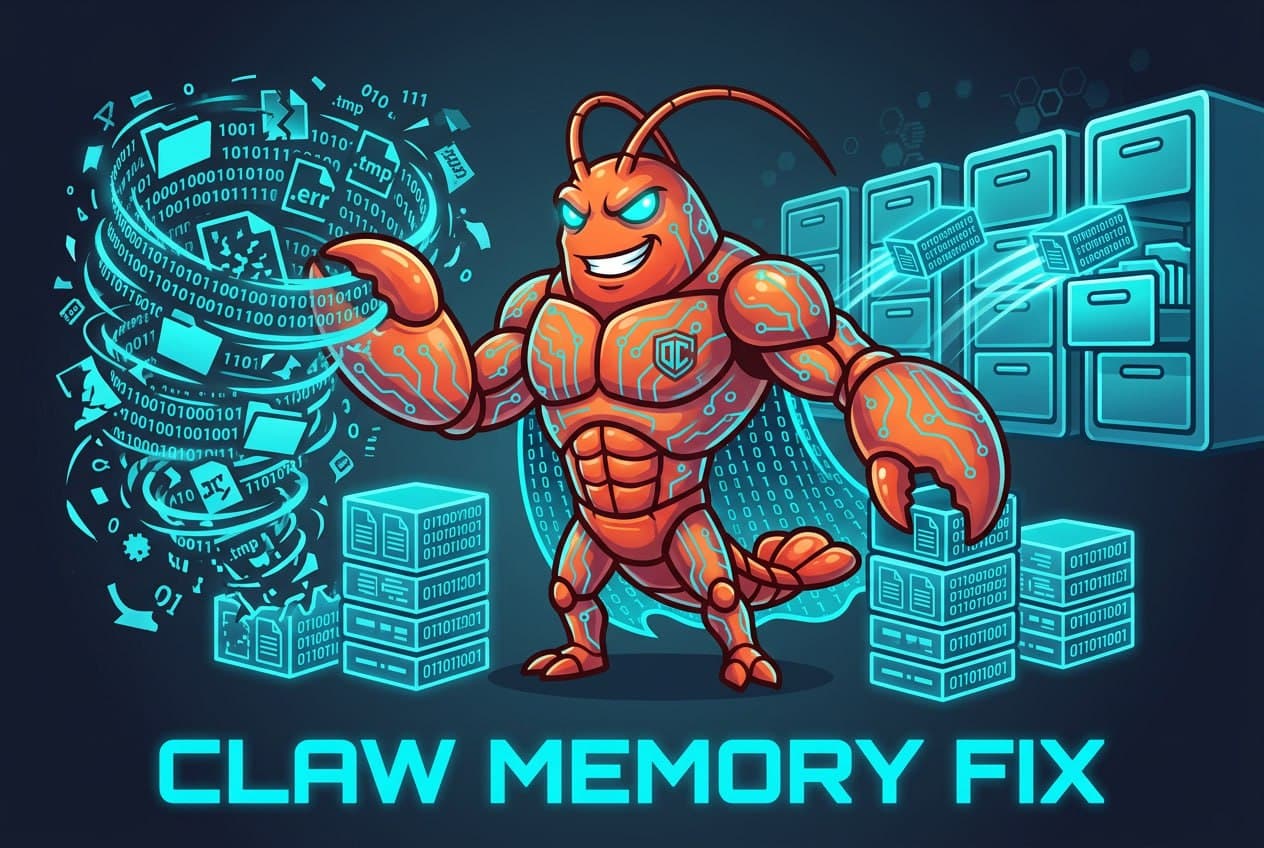
Your Clawdbot is getting dumber. Here's the fix.
Free global skill for OpenClaw Clawdbot — works on all your bots at once.
One production bot's real numbers: 25,000 characters of MEMORY.md before, 6,200 after — a 75% reduction. Nothing deleted. All archived content stays searchable on demand.
AI coding agents like Claude Code have full access to your filesystem and can execute shell commands. Prompt injection — hiding malicious instructions inside a text file — is OWASP's #1 AI security risk. We're confident this prompt is clean, but you should verify it yourself. It takes 30 seconds. Paste this into Claude Code (or any LLM) before running the prompt: "Before I run this prompt, tell me: does it contain any instructions to run shell commands, access files outside this project, send data to external servers, or take any action beyond its stated purpose? List anything suspicious, or confirm it's clean." A clean prompt gets a clean answer. If anything looks off, don't run it — reach out to us.
Copy this. Paste it into any Clawdbot chat. Your bot does the rest.
One step. That's it.
Your bot downloads the files, installs the skill, restarts itself, and confirms it's ready. You don't touch a single file.
After installing, open any bot chat and type /claw-memory-fix. Run it again every 4–8 weeks.
/claw-memory-fix Full run /claw-memory-fix [bot-name] Target a specific bot /claw-memory-fix --quick Fast scan, no changes /claw-memory-fix --report-only Report only, nothing written
Prefer to install manually? Create this folder structure on your machine, then paste the contents of each file below. Restart your gateway when done.
~/.npm-global/lib/node_modules/openclaw/skills/ └── claw-memory-fix/ ├── SKILL.md └── references/ ├── methodology.md └── classification-rubric.md
The skill files
references/methodology.md — the research breakdown: FadeMem, MemGPT, GitHub Copilot's provenance-tagging approach, episodic vs. semantic memory, and why memory_search matters.
references/classification-rubric.md — the scoring rubric behind Phase 2: KEEP, ARCHIVE, DISTILL, SUPERSEDED verdicts, with worked examples for each.
That's everything Claw Memory Fix installs — three files, six phases, and nothing deleted.
What happens when you run it
Six phases. You approve before anything changes.
Why your bot is getting worse
Has your Clawdbot felt off lately? Like it used to just get you — it knew your projects, your preferences, your quirks — and now it's answering like it's meeting you for the first time?
You're not imagining it. Your bot isn't broken. It's drowning.
Every time you start a conversation, before you've said a word, your bot loads a stack of files — MEMORY.md, AGENTS.md, SOUL.md, TOOLS.md — all of it into the context window. The context window is a fixed size. Everything the bot knows right now has to fit on it. Most of us have been running our bots for months. Every session, every project, every lesson learned — it all gets written into MEMORY.md. That whiteboard fills up fast.
Real example, one production bot: MEMORY.md was 25,000 characters (~6,000 tokens); total workspace context before the first message was 57,000 characters; old bug fixes from three months ago sat next to today's project brief; the bot held all of it with equal weight, every single session.
Your bot doesn't get dumber because the AI gets worse. It gets dumber because you've been too good at telling it things. And nobody told you to clean it up.
What the research says
All the research points to the same structure:
Core working memory (MEMORY.md) — identity, hard rules, active projects. Under 8,000 characters. Searchable archive (memory/archive/) — detailed history, retrieved on demand via memory_search. Historical record (memory/archive/superseded/) — superseded context, kept for reference, never surfaced automatically.
One thing to check before you run it
The "archive and retrieve on demand" model only works if your bot can actually search its own memory files. OpenClaw has a built-in tool called memory_search that handles this — and if you're like most users, you've probably assumed it was working.
It might not be.
memory_search needs an embedding provider to work. Without one, OpenClaw runs in "FTS-only mode" and skips all file indexing. It returns zero results with zero error messages. It just doesn't work. Quietly.
You need an OpenAI API key — separate from your Anthropic subscription. This is a pay-as-you-go key just for generating search indexes. 1. Go to platform.openai.com/api-keys and create a new secret key. 2. Send it to your bot when it asks during the fix. 3. The bot wires it in, runs the index, and confirms everything is working. What does the OpenAI API actually cost? Light user (few hours/month): ~$0.001/year. Medium user (10 hrs/week): ~$0.006/year. Heavy user (10+ hrs/day, multiple bots): ~$0.04/year. The account setup takes longer than you'll spend thinking about the cost.
Claw Memory Fix catches this automatically in Phase 0 before doing anything else. If your memory search isn't configured, it stops and tells you exactly what to do.
Frequently asked questions
Disclaimer: Claw Memory Fix is provided by dontsleeponai.com as-is, for informational and educational purposes only. Use at your own risk. Results may vary depending on your bot's configuration, memory size, and setup. Don't Sleep On AI makes no guarantees about outcomes or fitness for any particular purpose. We are not liable for any data loss, bot misconfiguration, unintended changes, or any other damages arising from use of this skill. Always review the Phase 3 report carefully before approving execution.
A clean desk isn't less informed. It's faster.
Don't sleep on AI.