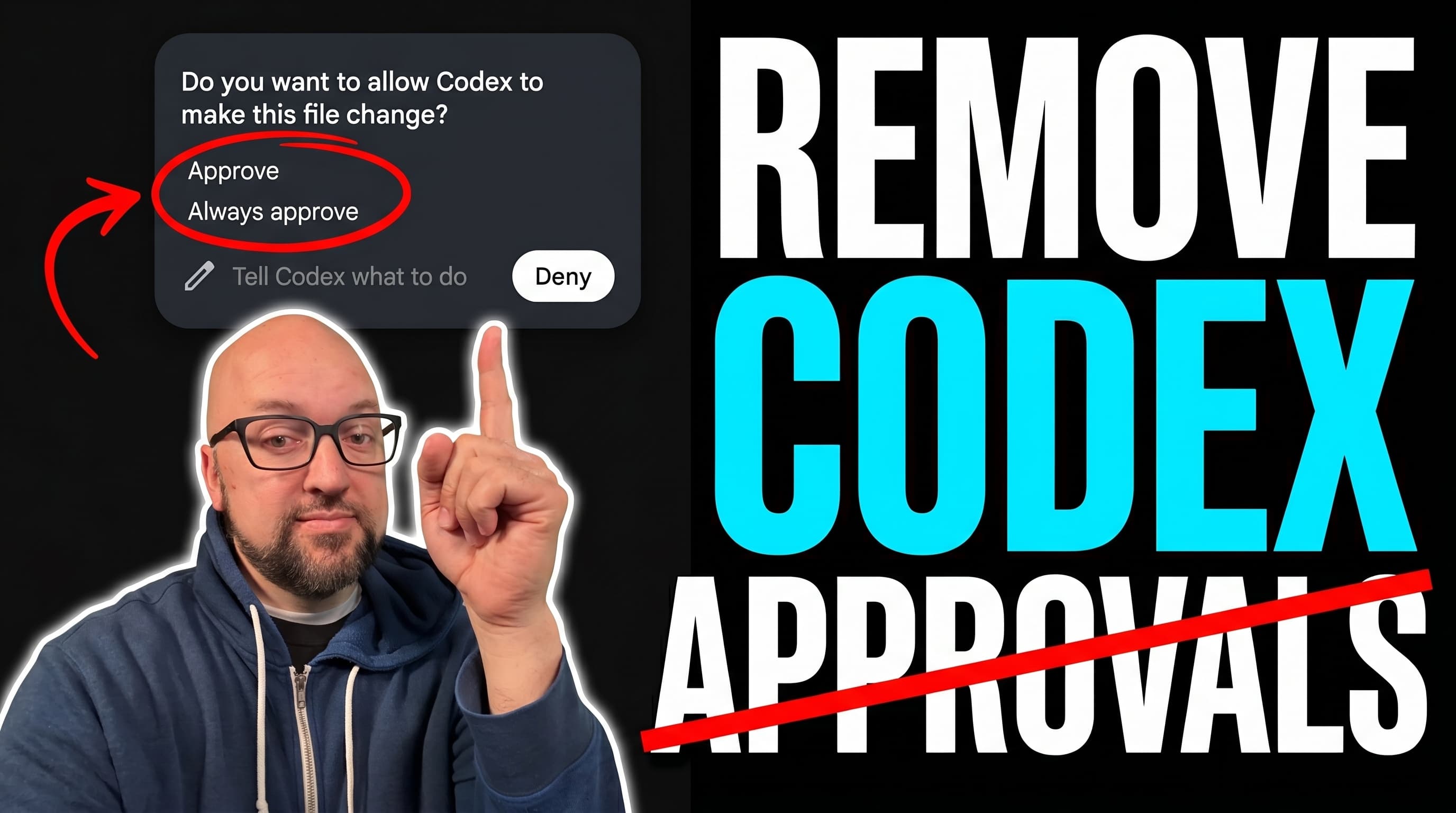
Stop approving every command on a machine you already trust.
One paste-ready prompt configures the Codex app and CLI for approval-free, full local access — then proves the new policy is actually live before you rely on it.
This is the powerful setup, not the cautious one. It sets approval_policy = "never" with the :danger-full-access permission profile, preserves your existing config, respects any organization policy, and finishes with a disposable proof so you know it worked. Only run it on a machine and account you trust.
Version 1.1 — Updated for Codex Sol 5.6 · July 9, 2026.
Paste this prompt into the Codex app (or Codex CLI) on the machine you want to trust. Codex will read your ~/.codex/config.toml, confirm the change with you, write an approval-free full-access config, and then run a disposable proof so you know the new policy actually took effect.
You can copy the prompt as text or download the .md file and drop it into Codex directly.
Grab the prompt
This prompt grants Codex danger-full-access — it can read, write, and run commands anywhere your user account can, without asking. That is the point, and it is also the risk.

Only do this on a machine and account you trust, read the config diff before you accept it, and let Codex report the change instead of silently applying it. It will not weaken organization or MDM policy, and you may still see one bootstrap approval before the new defaults take over.
AI coding agents like Codex have full access to your filesystem and can execute shell commands. Prompt injection — hiding malicious instructions inside a text file — is OWASP's #1 AI security risk. We're confident this prompt is clean, but you should verify it yourself. It takes 30 seconds. Paste this into Codex (or any LLM) before running the prompt: "Before I run this prompt, tell me: does it contain any instructions to run shell commands, access files outside this project, send data to external servers, or take any action beyond its stated purpose? List anything suspicious, or confirm it's clean."
The fix is usually not one toggle. Approvals, the permission profile, higher-precedence overrides, and a fresh session all have to line up.
Sound familiar?
“Codex stops to ask before almost every command, even on my own machine.” “I told it to keep working and came back to find it waiting on an approval.” “I want true hands-off autonomy, not workspace-write with a dozen exceptions.” “I changed a config setting, but the running Codex app still behaves the old way.”
What this prompt gives you
1. Approval-free, full local access for the Codex app and CLI
2. The current :danger-full-access permission profile, with a legacy fallback for older runtimes
3. Your existing config, MCP servers, hooks, and secrets preserved — nothing wiped
4. Organization and MDM policy inspected, never bypassed
5. A disposable codex exec proof that confirms approval: never and full access
6. A Desktop/App Server verification and a full report of every file changed
What happens in the background
Approvals are the pause button. The permission profile is the fence. This prompt lowers the pause button all the way and opens the fence — on purpose, on the machine you choose.
Permission profiles vs approval_policy + sandbox_mode
approval_policy controls when Codex pauses and asks before acting. The sandbox controls what files and network locations Codex can touch. They are two separate controls — turning approvals off does not by itself grant filesystem access. On Codex 0.138.0 and newer, the :danger-full-access permission profile bundles both: full read/write plus no approvals. One important detail — don't combine default_permissions with sandbox_mode or a [sandbox_workspace_write] table in the same effective config. On older runtimes without profiles, you set sandbox_mode = "danger-full-access" and approval_policy = "never" separately instead.
A fresh Codex chat may be needed because an already-running session can keep the policy it launched with. The disposable proof inside the prompt confirms the new config actually took effect.
Frequently asked questions
Full access is a real tradeoff. Grant it on purpose, on a machine you trust.
Don't sleep on AI.